
Scan Your CubeGet the SolutionSolve It Step by Step
Manual Cube
↺i- Camera Scanner
- Manual Input
- Step-by-Step Solution
- Works Offline
App features
Free to download. Optional premium only removes ads — everything else is free.
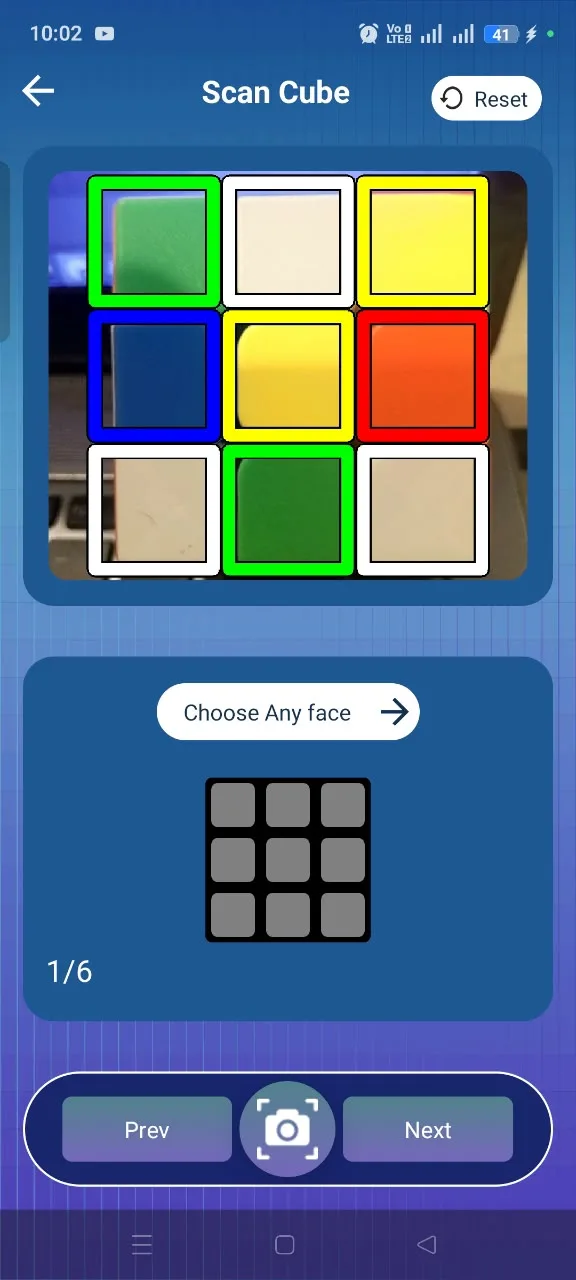
Camera Scanner
Scan each side of your cube with your phone camera.
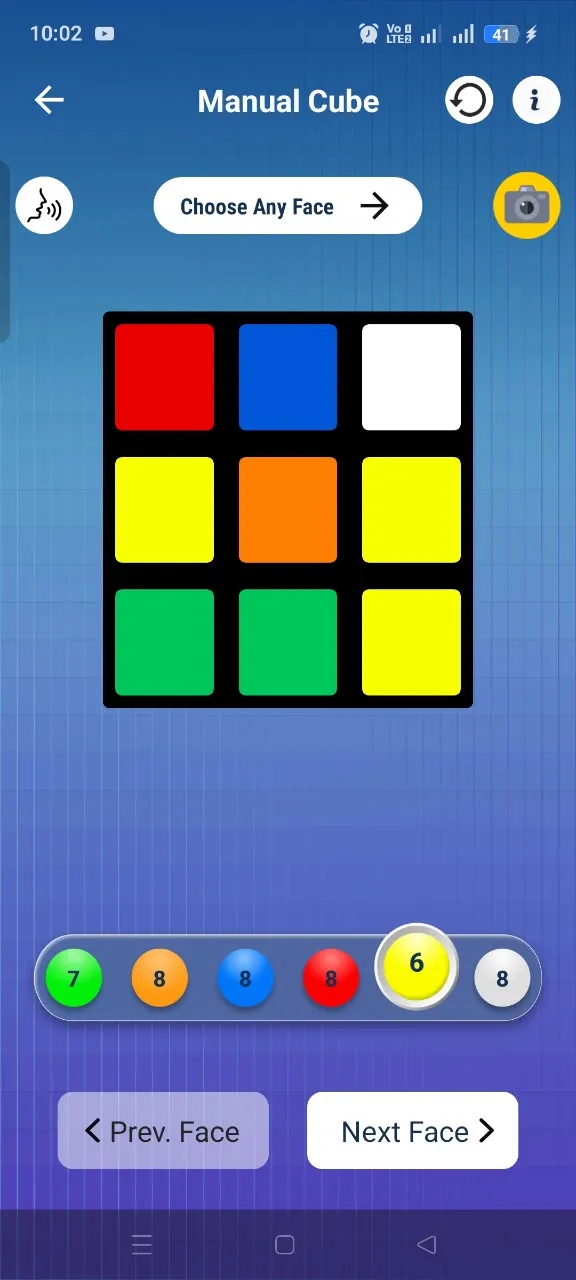
Manual Input
Enter cube colors yourself when scanning is not convenient.
Virtual Cube
Practice moves and rotations with an interactive cube.
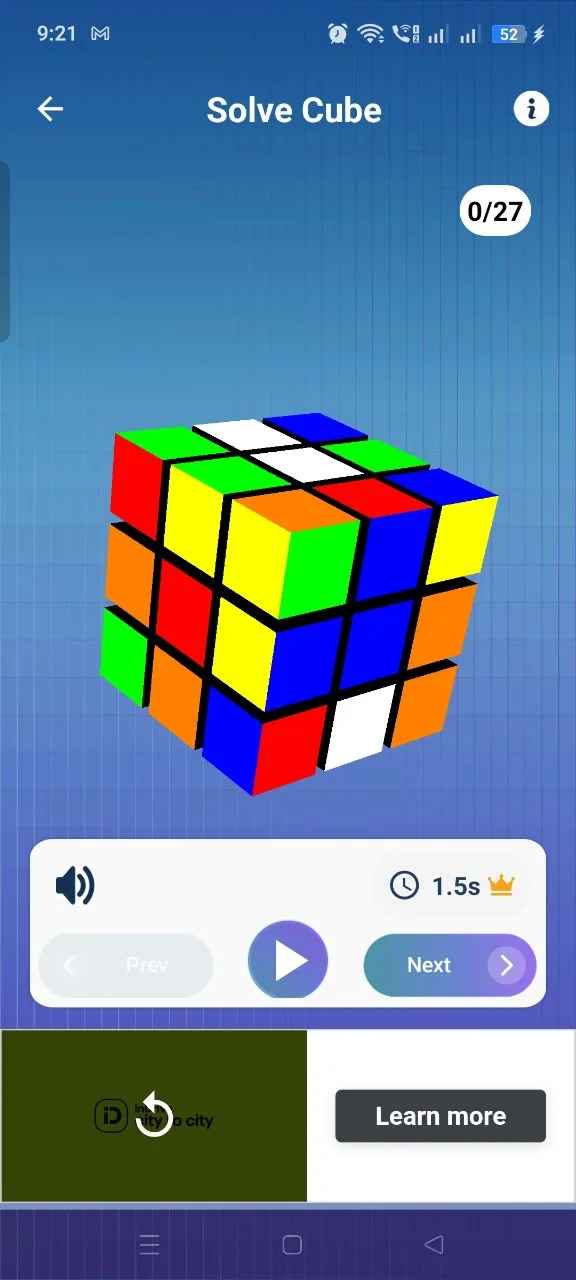
Step-by-Step Solver
Get a clear solution and follow each move in order.
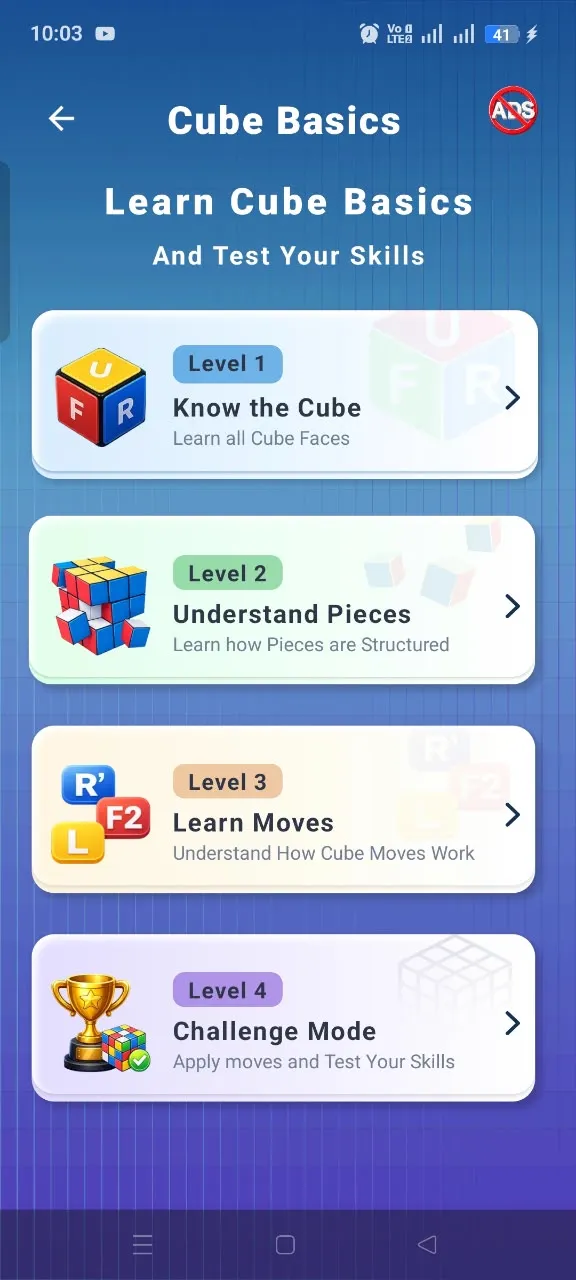
Learn & Improve
Understand cube basics and build confidence as you practice.
Multiple Cube Sizes
Work with 2×2, 3×3 and 4×4 cube configurations.
Works Offline
Use the core solving experience without an internet connection.
Clean & Simple UI
A focused experience that keeps the next move easy to follow.
How the app works
- 1
Install Android app
Download Rubik's Cube Solver free from Google Play.
- 2
Scan the cube or enter colors
Point your camera at the cube, or paint the colors manually face by face.
- 3
App analyzes the configuration
The app checks your cube's colors and validates the configuration.
- 4
Receive solution instructions
Get a verified step-by-step solution for your exact cube.
- 5
Follow the moves
Follow the moves on screen until your cube is solved — offline, anywhere.
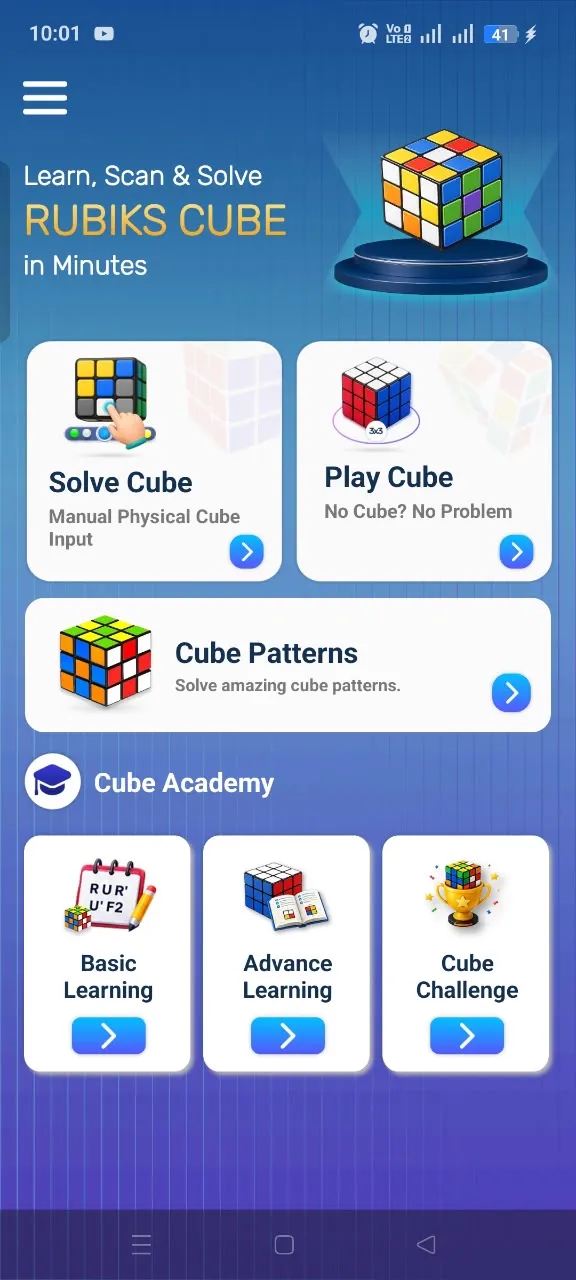
App screenshots
Genuine screenshots from the Android app.
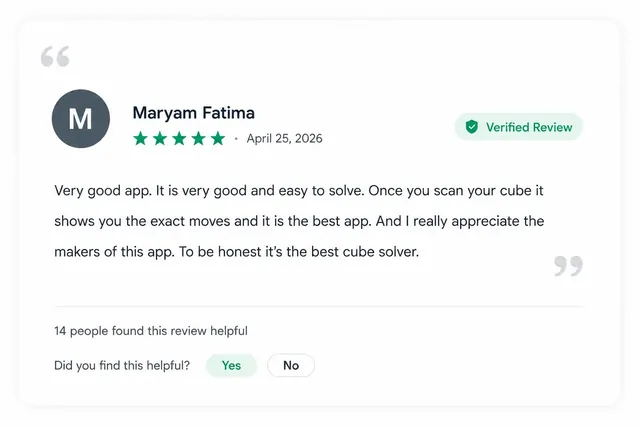
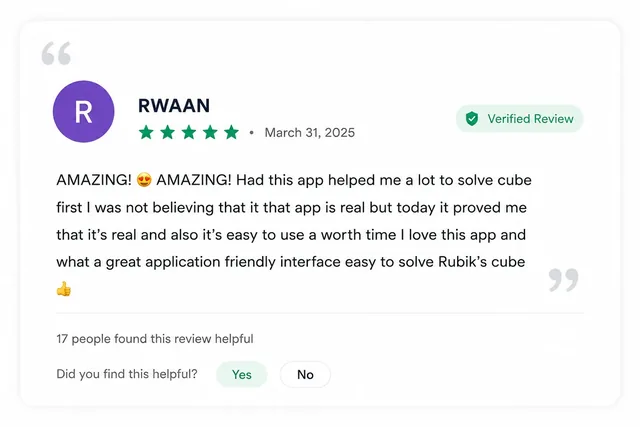
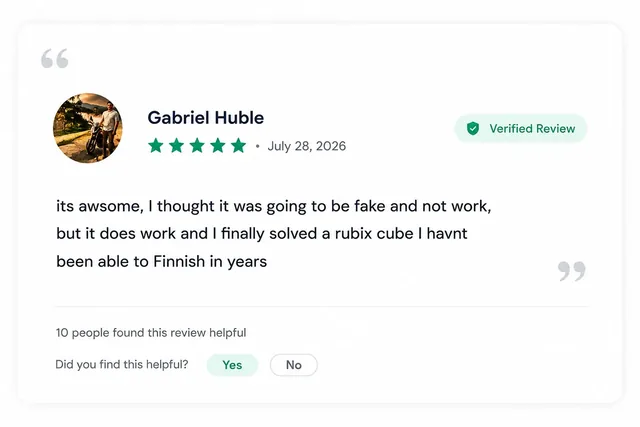
Google Play reviews
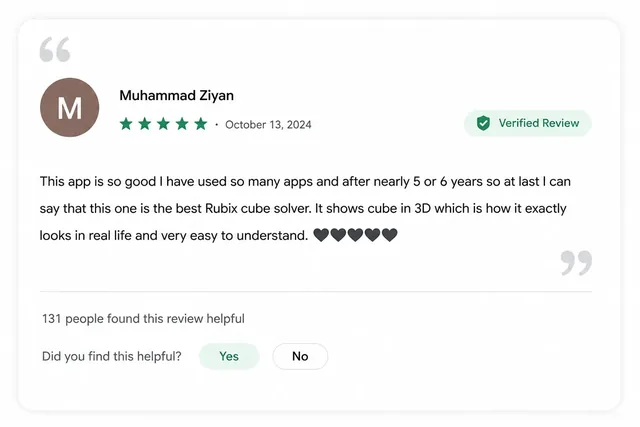
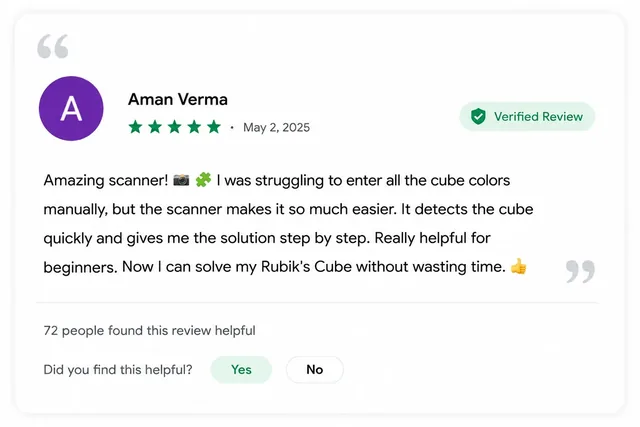
These are real Google Play Store reviews of the Android app — not website testimonials.
What Users Say
Rubiks Cube Solver is reviewed by players on the Google Play Store.













Showing review group 1 of 6
Reviews from Google Play
Read reviews on Google Play