
Camera Scanner
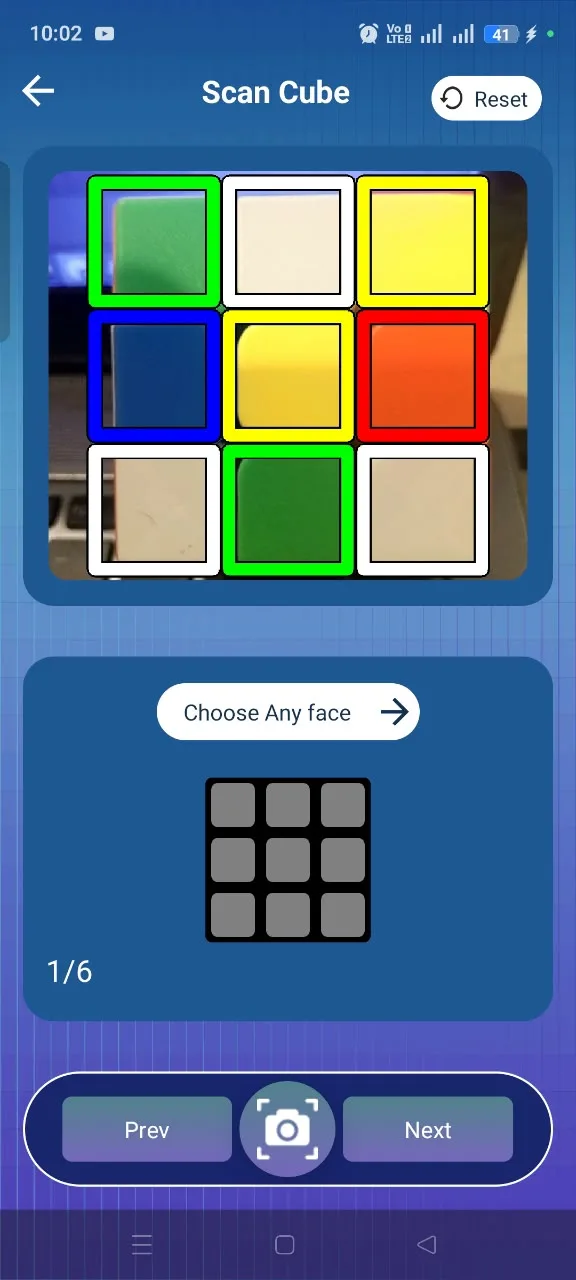
Scan each side of your cube with your phone camera.
Manual Input
Enter cube colors yourself when scanning is not convenient.
Virtual Cube
Practice moves and rotations with an interactive cube.
Step-by-Step Solver
Get a clear solution and follow each move in order.
Learn & Improve
Understand cube basics and build confidence as you practice.
Multiple Cube Sizes
Work with 2×2, 3×3 and 4×4 cube configurations.
Works Offline
Use the core solving experience without an internet connection.
Clean & Simple UI
A focused experience that keeps the next move easy to follow.
Scan your cube with the camera
Hold each face of your cube inside the scanner frame and the app reads the colors from your phone camera. You move through the faces one at a time, and the scanned colors are used to build the cube configuration the solver works from.
Scan each side of your cube with your phone camera.
- Scan the cube face by face inside the on-screen frame
- Scanned colors are turned into your cube configuration automatically
- Beginner-friendly: no notation or solving knowledge needed
- Switch to manual input at any point if a color is not read correctly
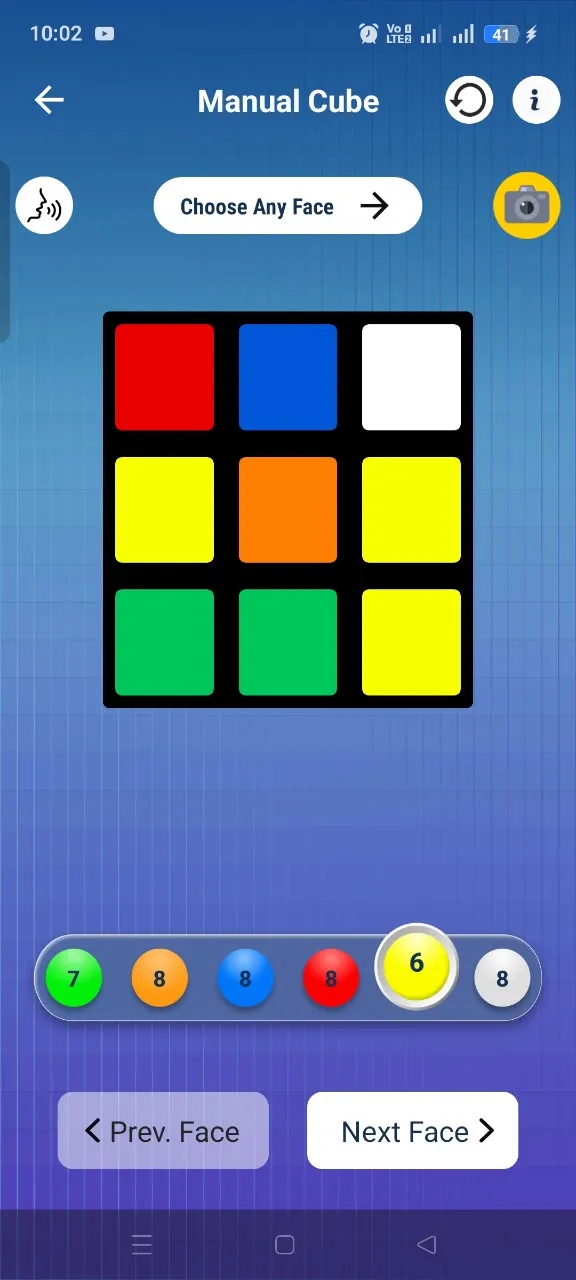
Enter the cube colors yourself
When lighting is poor or scanning simply is not convenient, you can fill in the cube by hand. Pick a color from the palette, tap the squares on the face grid, then move to the next face until the whole cube is entered.
Enter cube colors yourself when scanning is not convenient.
- Tap-to-fill color grid for every face of the cube
- Useful when the camera cannot read colors reliably
- Move freely between faces to correct mistakes
- Leads into the same step-by-step solution as scanning
Practice on an interactive cube
The virtual cube lets you turn faces and rotate the whole cube on screen, so you can try moves without touching a physical cube. It is a simple way to get comfortable with how each turn changes the cube.
Practice moves and rotations with an interactive cube.
- Turn faces and rotate the cube directly on screen
- Practice moves without a physical cube in hand
- See how each rotation affects the rest of the cube
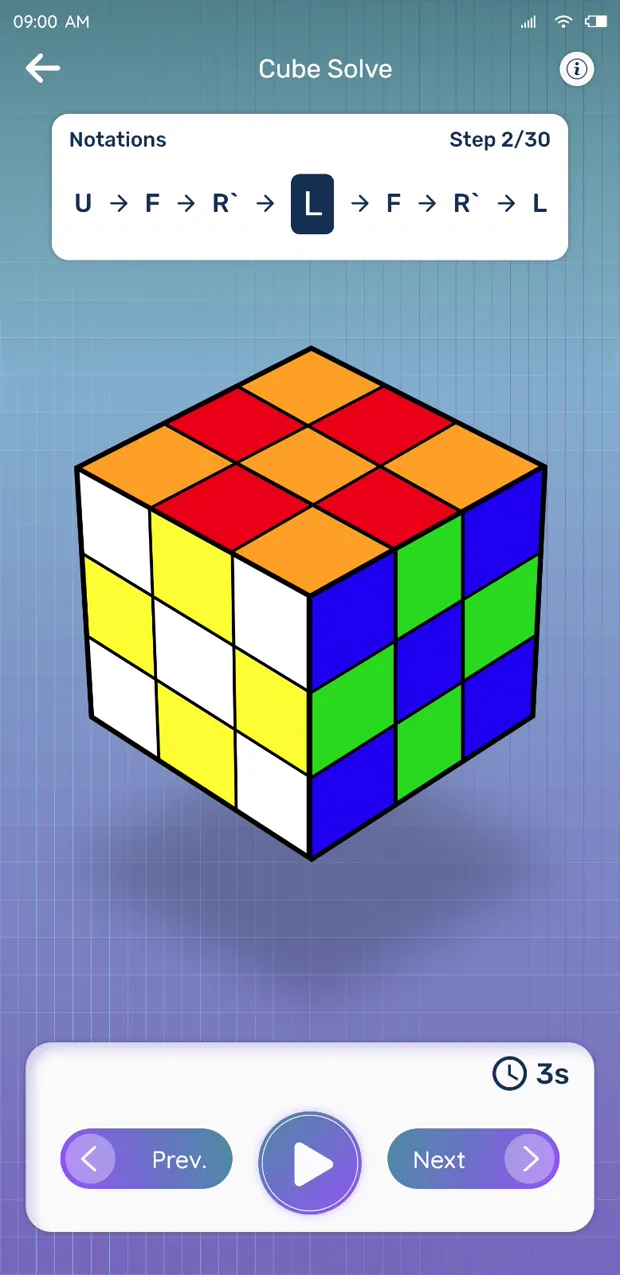
Follow the solution one move at a time
Once your cube is entered, the app produces a sequence of standard cube moves that leads to a solved state. The moves are shown in order so you can apply one, check your cube, and continue to the next.
Get a clear solution and follow each move in order.
- A complete move sequence for the cube you entered
- Moves presented one at a time, in order
- Move back and forward through the solution as you go
Learn the basics as you solve
Alongside the solver, the app explains cube basics so the moves you follow start to make sense. The more you practice with the guidance in front of you, the more confident you get at solving on your own.
Understand cube basics and build confidence as you practice.
- Cube basics explained in plain language
- Understand what the solving steps are doing
- Build confidence through repeated practice
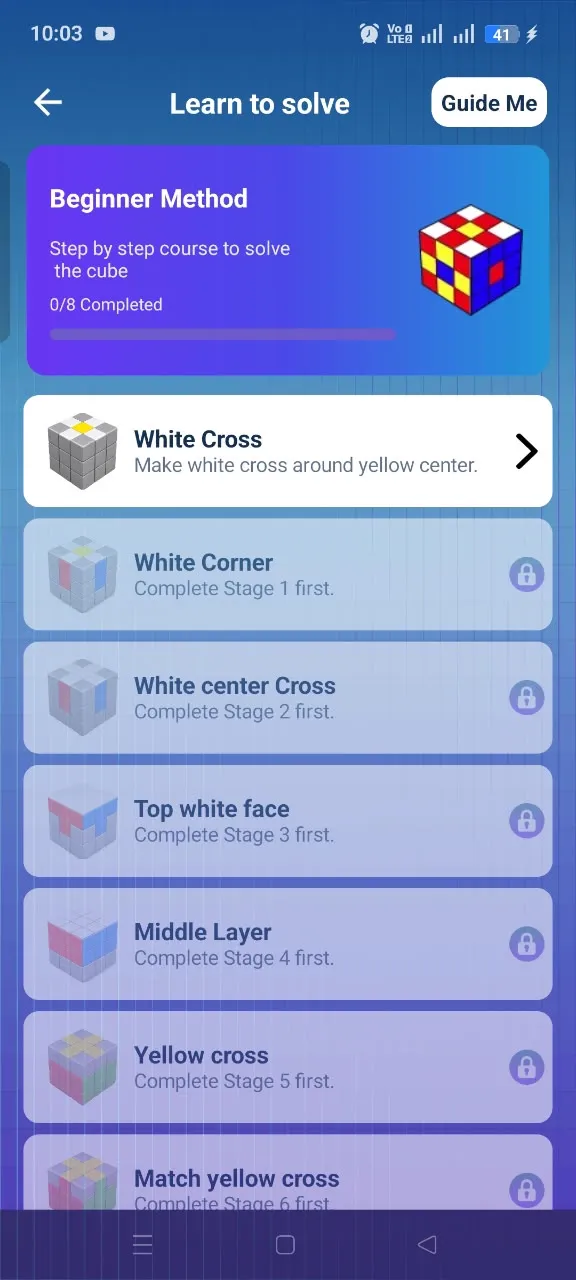
Solve the cube you actually own
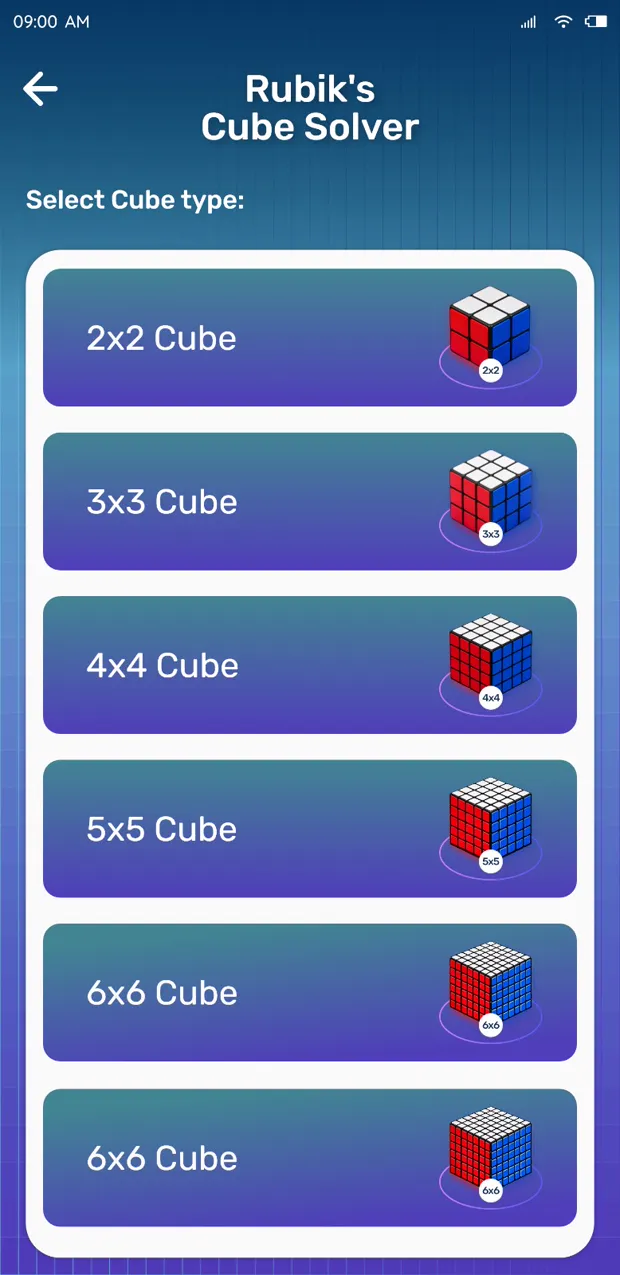
The app works with 2×2, 3×3 and 4×4 cube configurations, so you can pick the size that matches your cube before scanning or entering colors. Supported sizes and modes are also listed on the Google Play page.
Work with 2×2, 3×3 and 4×4 cube configurations.
- 2×2 for a quicker, simpler solve
- 3×3, the classic cube configuration
- 4×4 for a larger challenge
Core solving without a connection
The core solving experience is available without an internet connection, so you can keep solving on the move. Exact connectivity requirements are described on the app's Google Play listing.
Use the core solving experience without an internet connection.
- Core solving experience available offline
- Handy while travelling or with weak signal
- Connectivity details listed on the Google Play page
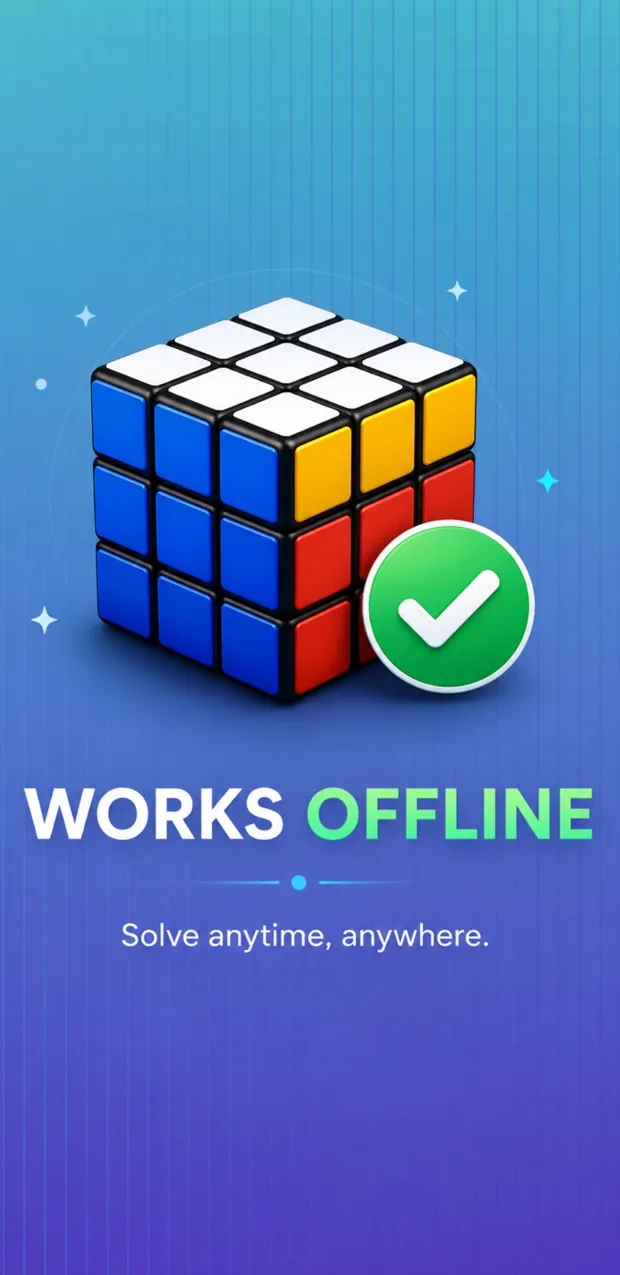
A simple interface that stays out of the way
Screens are kept focused so the next move is always the clearest thing in front of you. Scanning, manual input, the solver and the learning sections are reachable from a straightforward home screen.
A focused experience that keeps the next move easy to follow.
- Straightforward navigation between the main tools
- The next move stays easy to spot while solving
- Uncluttered screens built around one task at a time
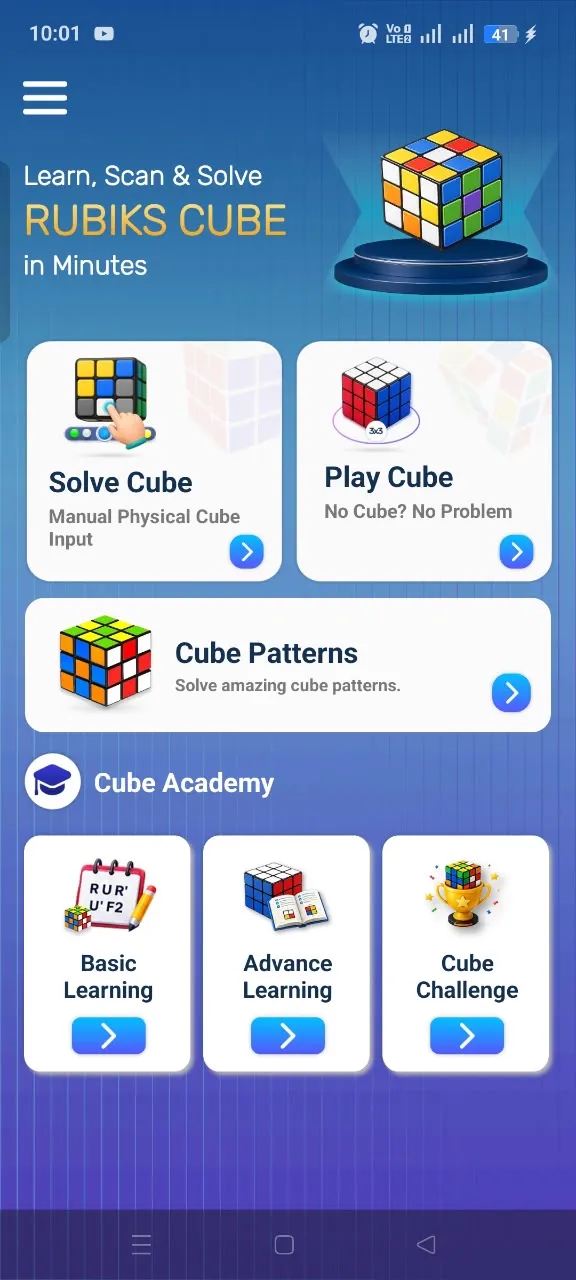
Watch the features
Short demos of the camera scanner, manual color input, and step-by-step solution.
Watch how the camera scanner reads your scrambled cube.
Prefer typing colors yourself? Here's how manual input works.
Follow the step-by-step solution to solve your cube.