
2×2 Cube Solver
Solve the Pocket Cube with a dedicated 2×2 input and solution flow.
2×2 Cube SolverEnter the colors of your scrambled cube and get a verified step-by-step solution directly in your browser. Solve 2×2, 3×3, 4×4 and 5×5 cubes — no download required.
Face 1 of 6 — Front
Solve the Pocket Cube with a dedicated 2×2 input and solution flow.
2×2 Cube SolverSolve the classic 3×3 cube with guided color entry and step-by-step playback.
3×3 Cube SolverEnter all six 4×4 faces and follow a solution designed for the larger cube.
4×4 Cube SolverSolve a 5×5 cube directly in your browser with guided input and playback.
5×5 Cube SolverEnter your physical cube face by face instead of working with a confusing flat layout.
The solver checks the entered configuration and helps you correct mistakes before solving.
Follow each move in order with an interactive 3D cube and playback controls.
Use the same web solver for 2×2, 3×3, 4×4 and 5×5 cubes.
Select 2×2, 3×3, 4×4 or 5×5.
Match the colors of your real scrambled cube using the guided 3D input.
Correct any incomplete or invalid color entry before continuing.
Tap Get Solution when your cube is ready.
Use the animated 3D cube, move notation and playback controls to reproduce every turn on your physical cube.
Before a solution is shown, MyCubeSolver checks the cube configuration you entered for errors. The generated move sequence is then verified against that cube state so the final position is solved. If your colors are incomplete or the configuration cannot be solved as entered, you can return to the cube input and correct it.
Different cube sizes require different validation and solving logic, so 2×2, 3×3, 4×4 and 5×5 are handled according to their cube structure.
An online Rubik's Cube solver is a browser tool that reads the colors of a scrambled cube and calculates a sequence of legal turns that returns it to the solved state. With MyCubeSolver, you enter your cube colors, check the configuration, generate the solution, and follow each move using an interactive 3D cube.
Wide turns such as Rw turn more than one layer.
The MyCubeSolver Learning Academy teaches the beginner method using your own scrambled 3×3 cube. Enter your cube once, follow the phases step by step, and make the same moves on the physical cube in your hands.

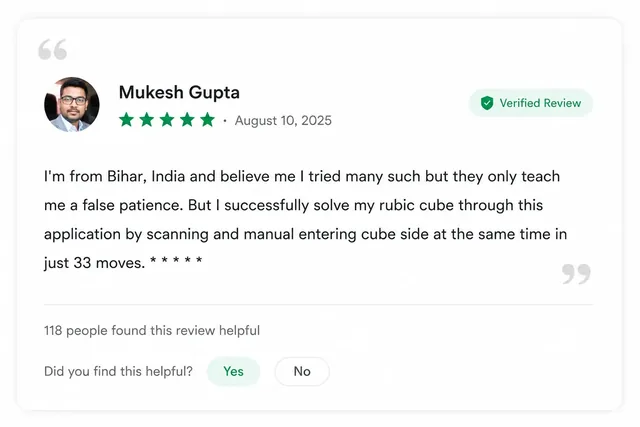

Real reviews from Google Play for the MyCubeSolver Android app — not website testimonials.