
Looking at a scrambled Rubik's Cube and not knowing where to start is a common problem for beginners. You may know that the cube can be solved, but figuring out which move to make next can be difficult. A Rubik's Cube scan provides a practical way to give a solver information about the cube you are holding and get guidance for that specific configuration.
MyCubeSolver is designed to make this process easier. Instead of trying random turns, you can use the app to provide information about your scrambled cube and then follow the solving instructions step by step.
Ready to scan your cube?
Try MyCubeSolver to work with your scrambled Rubik's Cube and follow step-by-step solving guidance.
What Is a Rubik's Cube Scan?
A Rubik's Cube scan is a process that uses a phone camera to capture information about the colors and configuration of a scrambled cube. The purpose is to provide the solver with the current state of the cube so it can work out an appropriate solution.
Instead of trying to solve the cube by guessing which face to turn, a scanner can help identify the cube configuration first. The solver can then use that information to generate a sequence of moves that you can follow.
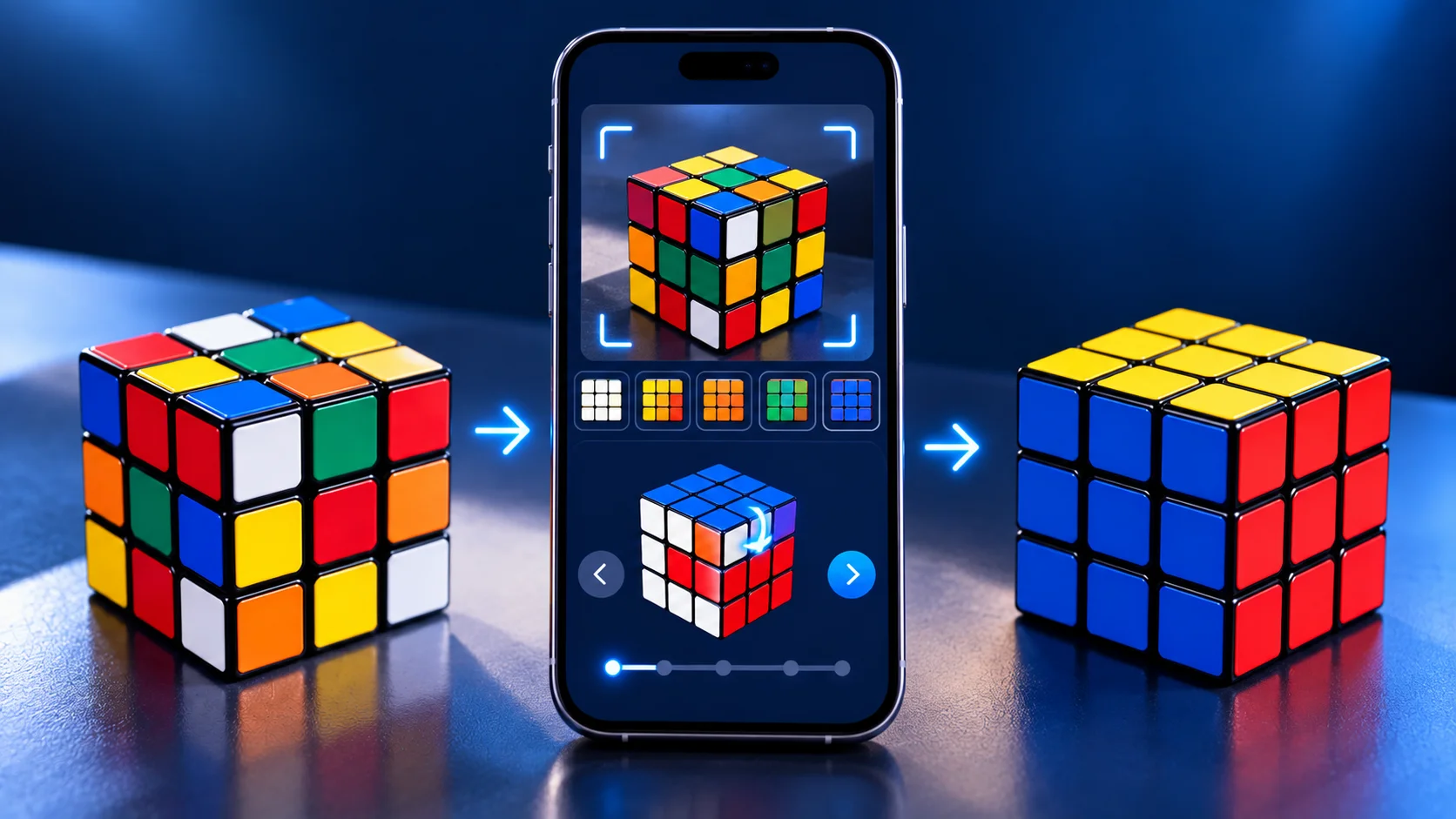
The basic idea is simple: scan the cube, provide accurate cube information, generate the solution, and follow the moves step by step.
How Does a Rubik's Cube Scanner Work?
A Rubik's Cube scanner uses the camera on your phone to help identify the colors visible on the cube. The information collected from the cube is then used to understand its current configuration.
- Open the Rubik's Cube Solver app.
- Start the cube scanning process.
- Show the required cube face to the camera.
- Allow the app to identify the visible colors.
- Provide the required information for the cube.
- Check the captured cube information.
- Generate the solution.
- Follow the solution moves step by step.
The quality of the information matters because the solver needs an accurate representation of the physical cube. If colors are captured incorrectly, the resulting cube configuration may not match the actual cube.
How to Scan a Rubik's Cube with MyCubeSolver
MyCubeSolver provides a practical way to work with a scrambled cube. The scanning process is designed to help you provide the cube information needed to generate solving guidance.
1. Open MyCubeSolver
Open the Rubik's Cube Solver app on your Android phone and start the solving process. The app is designed to help you work with a scrambled cube without requiring you to already know a large collection of algorithms.
2. Start the Cube Scan
Choose the scanning option and follow the instructions displayed by the app. Hold your cube in the position requested so that the camera can clearly see the required face.
3. Capture the Cube Information
Follow the app's instructions to provide the required information from your cube. Keep the cube steady and make sure the colors are clearly visible while scanning.
4. Check the Detected Colors
Before generating a solution, check that the colors shown by the app match the physical cube. Correct any information that does not look right before continuing.
5. Generate the Solution
Once the cube configuration has been entered correctly, the solver can calculate a solution for that specific configuration. You can then follow the displayed moves.
6. Follow the Moves Step by Step
Perform each move carefully and continue through the complete solution. Avoid making additional random turns because they can change the cube configuration and make the displayed solution no longer match your cube.
Solve your scrambled cube
Scan or enter your cube with MyCubeSolver and follow the solution step by step.
Why Is a Rubik's Cube Scan Useful?
Learning to solve a Rubik's Cube manually can be rewarding, but beginners often get stuck because they do not know what to do next. A cube scanner can reduce this initial difficulty by helping you provide the current cube configuration to a solver.
- It gives you a practical starting point when the cube is scrambled.
- It can reduce random trial and error.
- It allows a solver to work with your specific cube configuration.
- It can help beginners follow a structured solving process.
- It can be used as a learning aid while you become familiar with cube moves.
What If the Rubik's Cube Scanner Cannot Read My Cube?
A camera-based scanner may sometimes have difficulty identifying colors correctly. Lighting, reflections, camera position, and movement can all affect what the camera sees.
Poor lighting
If the environment is too dark, colors may be harder for the camera to distinguish. Try scanning your cube in a well-lit environment.
Glare and reflections
Strong reflections can make cube colors more difficult to recognize. If your cube has reflective surfaces, changing the lighting angle can help.
Moving the cube
Try to keep the cube steady while the camera is reading its colors. Movement can make accurate color recognition more difficult.
Incorrect camera angle
Make sure the required face is clearly visible and follow the orientation requested by the app.
Can You Manually Enter Rubik's Cube Colors?
Yes. Manual color input can be useful when camera scanning is difficult or when you prefer to provide the cube information yourself.
Instead of relying on the camera to recognize every color, manual input lets you select or enter the colors of the cube directly. This can provide an alternative when lighting, reflections, or camera recognition make scanning difficult.
- Poor lighting is affecting the scan.
- The cube has strong reflections.
- The camera is not recognizing a color correctly.
- You want to double-check the cube configuration yourself.
- You prefer entering the cube colors manually.
Rubik's Cube Scan vs Manual Color Input
Scanning and manual color input have the same basic purpose: they provide the solver with information about the current state of your cube. The main difference is how that information is entered.
- Scanning uses the phone camera to help identify cube colors.
- Manual input lets you select or enter the cube colors yourself.
- Scanning can be convenient when the camera can clearly recognize the cube.
- Manual input can be useful when scanning conditions are not ideal.
For many beginners, scanning can be a convenient starting point. If the scanner does not recognize something correctly, manual color input can provide another way to enter the cube configuration.
How Accurate Does a Rubik's Cube Scan Need to Be?
The cube information needs to accurately represent the physical cube. Even one incorrect color can change the configuration provided to the solver.
For example, if one sticker is incorrectly identified as a different color, the digital cube configuration may no longer match the physical cube in your hands.
- Use suitable lighting.
- Keep the cube clearly visible.
- Avoid strong reflections.
- Keep the cube steady during scanning.
- Check detected colors before generating the solution.
- Correct any information that does not match the physical cube.
Can a Rubik's Cube Scanner Solve a Scrambled Cube?
The scanning process and solving process are related but different. The scanner helps capture the cube configuration, while the solver uses that configuration to calculate a sequence of moves.
The complete process can be understood as:
Is a Rubik's Cube Scanner Good for Beginners?
A cube scanner can be useful for beginners because you do not need to understand advanced solving techniques before getting practical help with a scrambled cube.
You can use the generated solution as a learning aid. Pay attention to the move notation, the direction of each turn, and how the cube changes as you follow the instructions.
Over time, this can help you become more familiar with cube notation, solving stages, and the movement of individual pieces.
Is Using a Rubik's Cube Solver Cheating?
Not necessarily. It depends on your goal. If you are learning how to solve a cube or simply want help with a scrambled puzzle, a solver can be a useful learning tool.
You can use the solution to understand how the cube changes rather than simply making random moves. If your goal is to learn, you can gradually study the notation and sequences used by the solution.
How MyCubeSolver Helps You Solve a Scrambled Cube
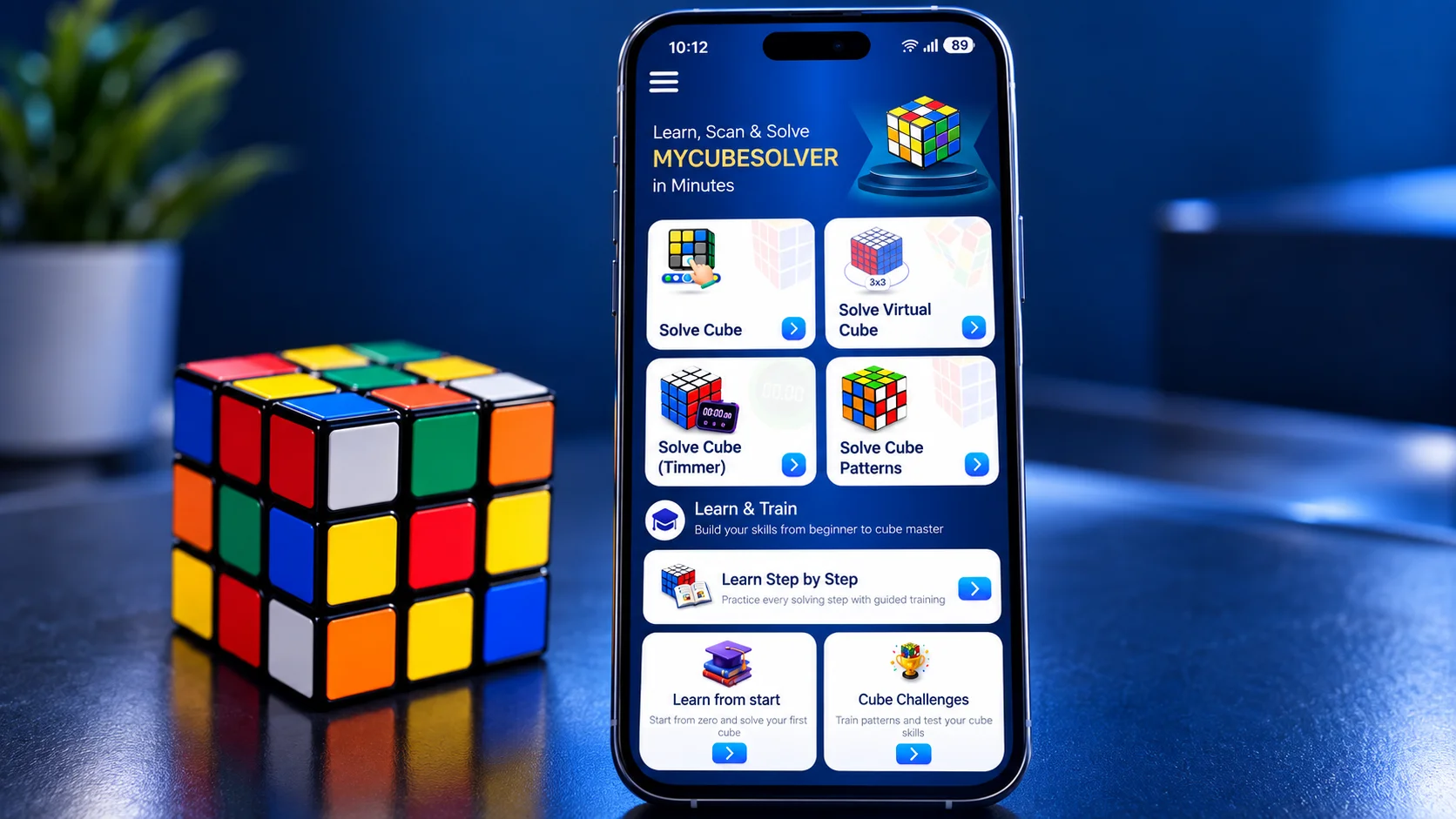
MyCubeSolver is designed around a simple idea: scan your cube, get the solution, and solve it step by step.
Instead of expecting beginners to memorize a large collection of algorithms before they can work with a scrambled cube, the app provides practical solving guidance based on the cube configuration you provide.
- Work with a scrambled Rubik's Cube.
- Use cube scanning to provide cube information.
- Use manual color input when needed.
- Get step-by-step solving guidance.
- Follow the required moves.
- Become more familiar with cube notation and solving.
Tips for Getting a Better Rubik's Cube Scan
A few simple practices can make the scanning process easier and reduce the chance of incorrect color recognition.
- Use good and even lighting.
- Avoid strong reflections on the cube.
- Keep the cube steady while scanning.
- Follow the orientation shown by the app.
- Make sure every required face is captured correctly.
- Check the detected colors before generating the solution.
- Use manual color input if scanning is not working correctly.
Why Use a Cube Solver Instead of Random Moves?
One of the most common problems beginners face is making random turns when they become stuck. A few random moves may appear to improve one part of the cube, but they can also disrupt pieces that were already in the correct position.
A solver provides a structured alternative. Instead of guessing the next move, you can follow a sequence designed for the cube configuration you entered.
- Scan or enter your cube.
- Get solving instructions.
- Follow the displayed moves.
- Continue until the solution is complete.
Can MyCubeSolver Help You Learn to Solve Without the App?
Yes. A solver can also be used as a learning aid. You can start by using the app whenever you are stuck and gradually pay attention to the moves and patterns used in the solution.
As you become more familiar with the cube, you can begin learning common notation such as R, L, U, D, F and B, along with prime and double turns.
This creates a practical learning path: use the solver for guidance, understand the moves you are performing, and gradually become more comfortable solving the cube yourself.
Ready to solve your scrambled cube?
Use MyCubeSolver to scan or enter your cube and follow clear step-by-step solving instructions.

Frequently Asked Questions About Rubik's Cube Scanning
Here are some of the most common questions beginners ask about scanning and solving a Rubik's Cube.